


Privacy Policy
Last updated: October 21, 2026
The short version: everything you put into Tallico stays on your Mac. We don't collect it, we can't see it, and we never sell or share it. There's no account, no analytics, no ads, and no tracking.
This policy explains how Tallico, the macOS time tracker made by K-Squared Labs ("we", "us"), handles your information.
What Tallico stores, and where
Tallico keeps what you enter in it so it can do its job:
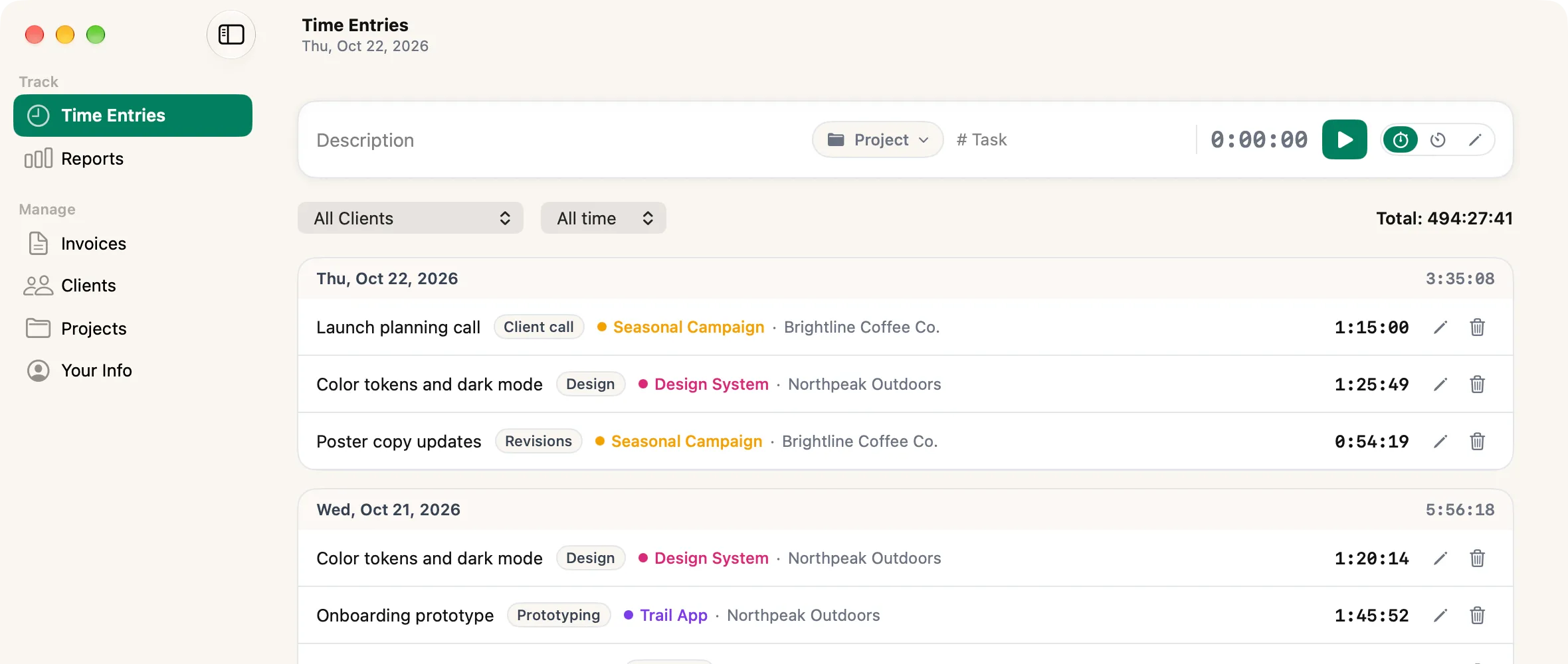
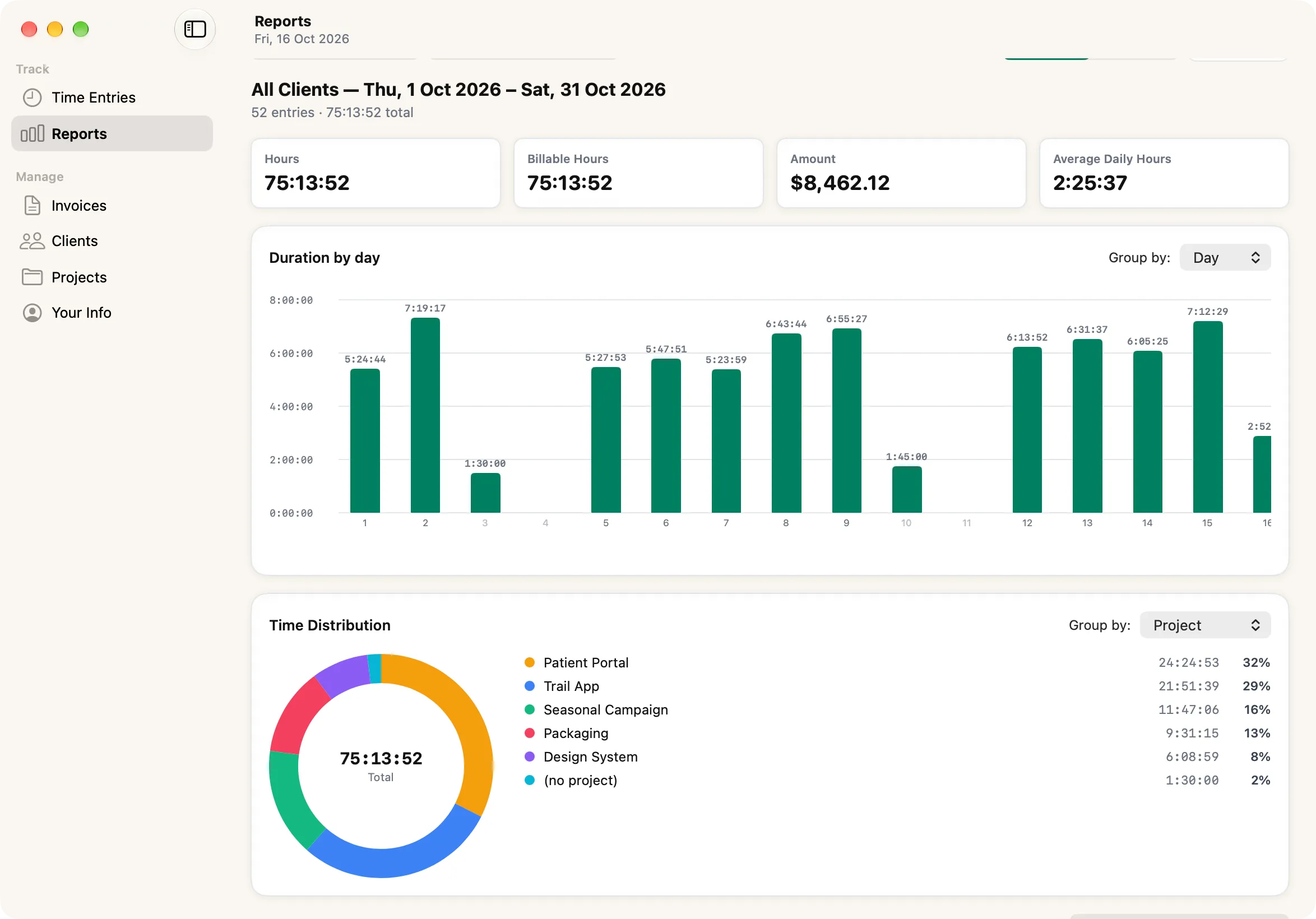
- time entries, with their descriptions, projects, and tasks
- clients and projects, including any contact details, addresses, tax IDs, and rates you add
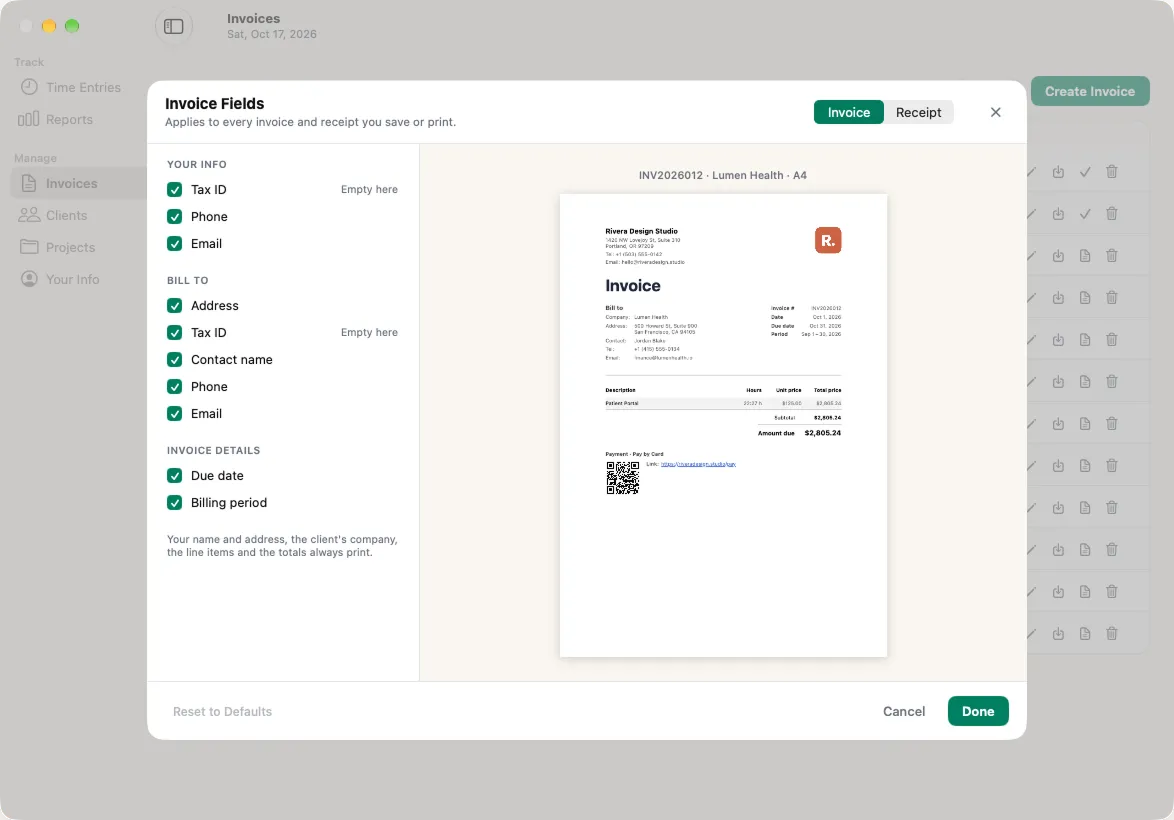
- invoices and receipts
- your business details, logo, and the payment methods you choose to print on invoices
- your preferences, such as timer length and export options
All of it is saved in a database file in your Mac's Library folder. It isn't sent to us or to anyone else. Tallico has no servers and makes no network connections of its own. If your Mac is backed up, by Time Machine for example, the file is included in those backups like any other file on your Mac.
What we collect
Nothing. Tallico doesn't collect personal information, usage data, analytics, or identifiers, and it contains no third-party analytics, advertising, or tracking code.
Purchases and free trials
Subscriptions, free trials, and lifetime purchases are handled entirely by Apple through the App Store. Apple processes your payment under Apple's Privacy Policy, and we never receive your name, email address, or payment details. Tallico asks the App Store on your Mac whether you have an active plan. Apple gives us only anonymous, combined sales and subscription reports.
Crash reports
If you've turned on Share with app developers in macOS's Analytics & Improvements settings, Apple may pass us anonymous crash reports and usage statistics. We use them only to find and fix problems. You can turn this off at any time in System Settings › Privacy & Security › Analytics & Improvements.
Notifications
When a countdown finishes, Tallico can show a notification. It's created on your Mac and never sent through a server.
Files you export or send
When you save an invoice, receipt, or report as a PDF or CSV, it goes where you choose. What happens to it after that, such as emailing an invoice to a client, is up to you and isn't covered by this policy.
Keeping or deleting your data
Your data is yours. In Tallico, choose File › Reveal Database in Finder to find the file, so you can copy it, back it up, or delete it. Removing Tallico and that file removes everything it stored. As we never receive your data, there's nothing for us to delete or hand over.
Children
Tallico is a business tool and isn't directed at children under 13. Since it collects no personal information, it collects none from children.
Changes to this policy
If Tallico ever starts handling information differently, we'll update this page and the date above before that version of the app is released.
Contact
Questions about privacy in Tallico? Email us at [email protected].